
SAP Commerce (Hybris) Performance Optimization Guide
SAP Commerce (Hybris) performance: FlexibleSearch discipline, region cache tuning, Solr indexing strategy, cronjob scheduling and a bottleneck diagnosis methodology.
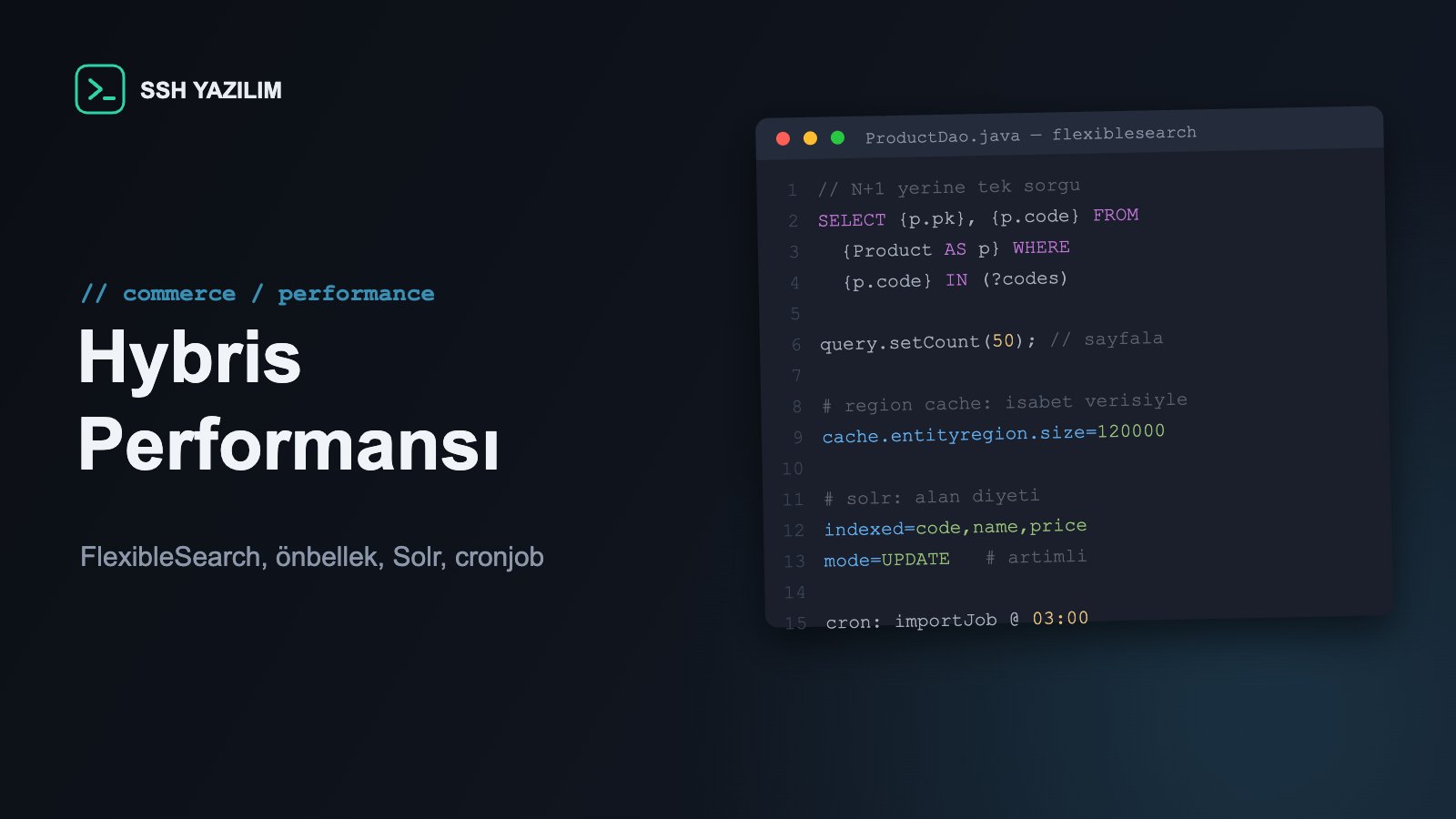
Where do Hybris performance problems begin?
Most performance complaints in SAP Commerce projects come not from the platform but from undisciplined use of its powerful tools: unchecked FlexibleSearch queries, untuned cache regions, Solr configurations that index everything, and heavy cronjobs running in business hours. This article offers a layered diagnosis-and-improvement methodology that traces the complaint to its root.
Diagnosis first: no tuning without measurement
Step one is always visibility: is it a slow page, a slow query or a slow integration? Application monitoring (APM) gives the per-layer breakdown of requests; slow query logs cover the database side; Hybris query and cache statistics complete the picture. In most projects, a list of the "10 slowest requests + 10 most frequent queries" determines the improvement order by itself. Any tuning done without measurement is guessing.
Layer by layer: symptom → root cause → control
Layer | Typical symptom | Primary control |
|---|---|---|
FlexibleSearch | High DB CPU; same query thousands of times | N+1 cleanup, field-level queries, pagination |
Cache | Low hit ratio; frequent eviction | Sizing regions by type profile |
Solr | Search latency; long full indexing | Indexed-field diet; incremental index strategy |
Cronjobs | General slowdown at specific hours | Off-peak scheduling; dedicated nodes |
JVM/GC | Periodic pauses | Heap and GC configured for the load |
Frontend/CDN | Server fast, page slow | Media CDN, page fragment caching |
FlexibleSearch discipline: the biggest wins live here
Three rules solve most of it. First, hunt the N+1: service code that fires a query per row on a list screen is rewritten as one bulk query. Second, select fields: where only a PK or a few attributes are needed, use field-returning queries instead of full model hydration — filling models costs both query and cache. Third, paginate: the query that returns unbounded results in today's small catalog causes an incident in tomorrow's large one. To make the rules stick, add a "cost per query" question to code review and scan the slow query log regularly.
Cache: profile tuning, not just size
Hybris's region cache is divided by type; default sizes fit no particular catalog profile. The right approach is monitoring hit/eviction statistics and sizing the regions of the most-read types (product, price, stock, category) from that data. The second topic is invalidation: cross-node invalidation traffic in a cluster can itself become a load source in write-heavy scenarios — plan the cache behavior of bulk imports, and move giant imports into maintenance windows where possible.
Solr: an index diet and an incremental strategy
Search performance has two enemies: indexing every attribute and running a full index on every change. For the first, limit indexed fields to business need — an attribute that is not searched, filtered or listed does not belong in the index. For the second, make incremental (update) indexing the main path; schedule full indexing into low-traffic windows and track its duration as a metric. On the query side, facet count and boost complexity translate directly into latency; search experience design and performance must be considered together.
Cronjob and integration scheduling
Work that should run at night running during the day is the most common 'hidden' performance problem. Build a cronjob inventory; make each job's duration, resource profile and overlaps visible. Schedule heavy jobs (price/stock imports, indexing, reports) off-peak and, where possible, onto nodes dedicated to background work. In queue-based integrations, define backpressure — a source system's sudden burst must not become the storefront's bill.
Business impact: speed is conversion
The relationship between page speed and conversion has been measured repeatedly across the industry; slowness is direct revenue loss and affects search ranking as well. On the technical side, measurement-driven optimization buys capacity without scaling hardware — that is, without inflating the cloud bill. The output of performance work is not just fast pages; it is measurement infrastructure, query discipline and scheduling practice — an enduring engineering culture.
Frequently asked questions
Scale hardware first, or optimize first?
Measure first: if the bottleneck is in queries or indexing, hardware postpones the cost rather than solving it. Hardware makes sense for capacity needs validated by measurement.
Is caching everything the answer?
No — a mis-sized cache produces eviction storms and memory pressure. Cache is a budget managed by hit statistics.
Do I control these settings on CCv2?
All application-layer levers (queries, cache regions, index strategy, cronjob plan) are in your hands; infrastructure sizing is managed through cloud configuration.
When should we load test?
Regularly before major campaigns and releases, with production-like data volume. A test on a small catalog does not represent production behavior.
Performance checklist
APM + slow query log + cache statistics active
Slowest request/query lists reported regularly
N+1 scan done; field-level queries widespread
Cache regions sized from hit data
Solr field diet applied; incremental indexing is the main path
Cronjob inventory and off-peak plan defined
Pre-campaign load testing process in place
SSH Yazılım runs measurement-driven performance diagnosis and optimization for SAP Commerce (Hybris) projects. Let us map your storefront's bottlenecks together.